Capture the work.
Take a series on site or bring in photos from your gallery.
Turn job photos into clear PDF reports
your clients can read.
Made for the work you do.
Built for Android. Ready for the handover.
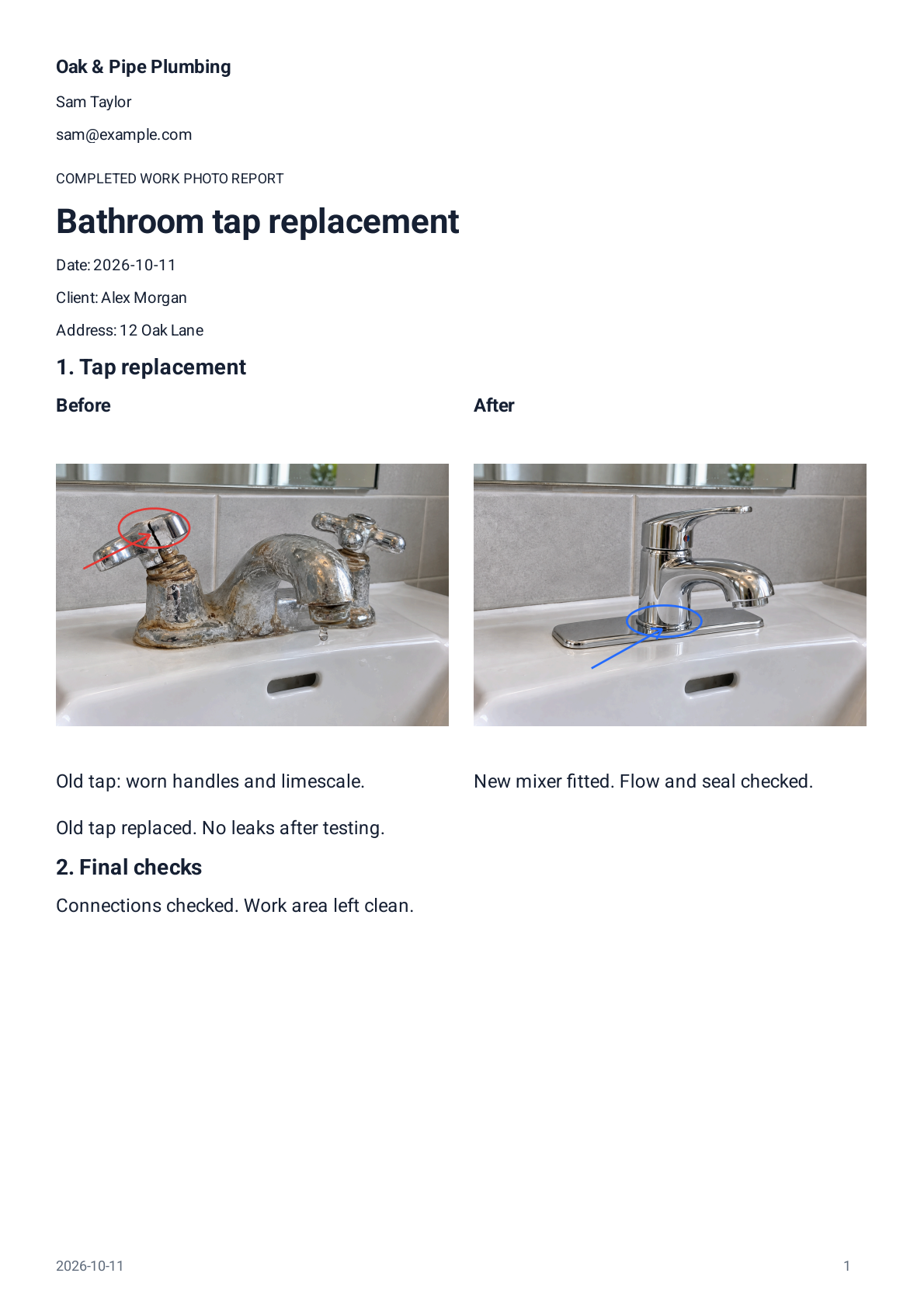

Actual Reportago output. Fictional job details; a demonstration, not a customer endorsement.
The before. The after. The difference your client
can see without an explanation.
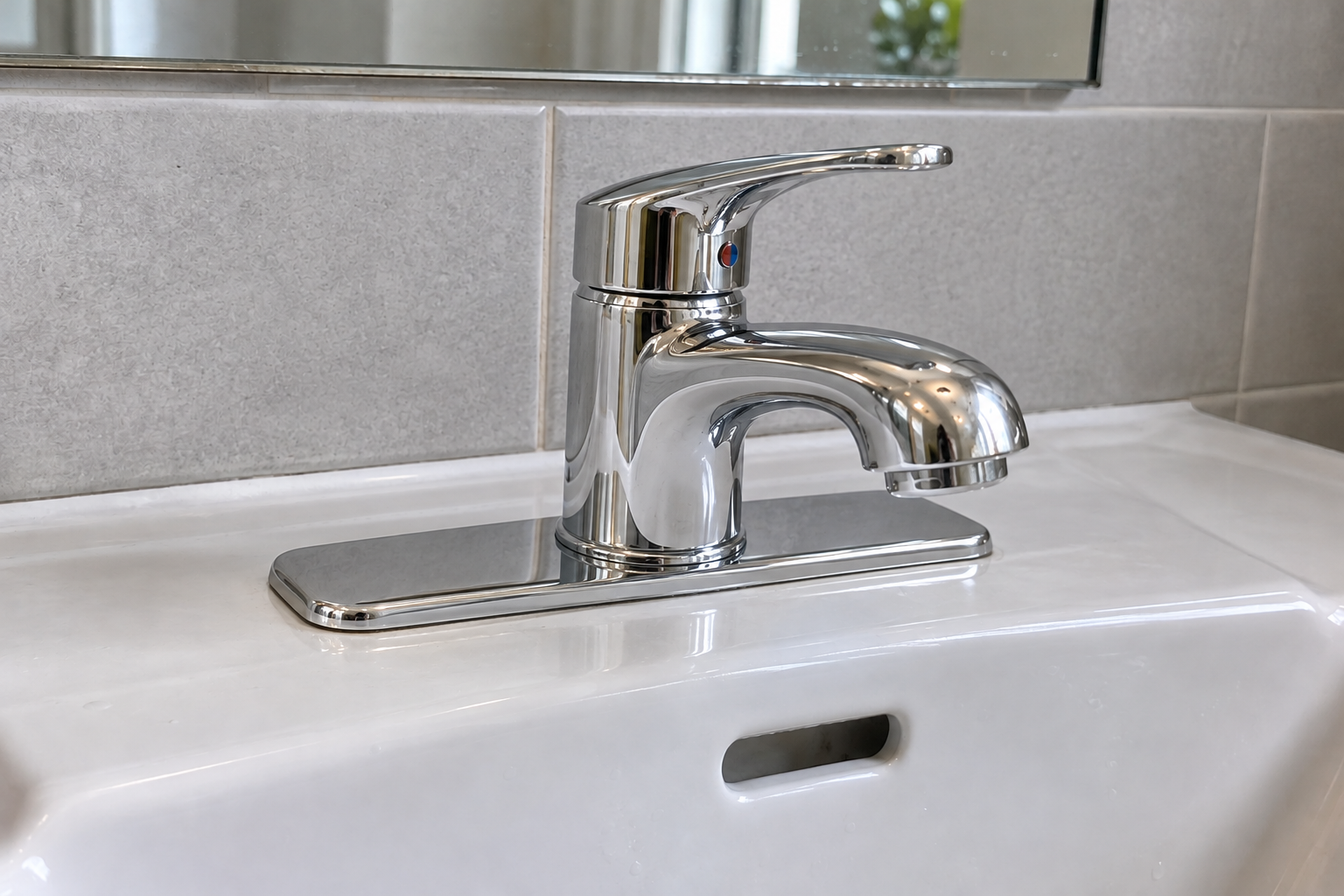
 BeforeAfter
Put before-and-after photos together in your report.
A clear record of what you found — and what you fixed.
 The detail that matters.
A photo shows the work.
A little context tells the story.
Point out a repaired seal with an arrow. Circle the connection you checked. Add a caption that says exactly what was done.
Take a series on site or bring in photos from your gallery.
Group photos into sections. Add captions, comparisons and the details that matter.
Export a client-readable PDF with 1, 2 or 4 photos per page. Share it your way.
Reorder, bulk move, caption or delete photos together.
Keep generated PDF versions. Saving is not proof of delivery.
Reuse work templates without the previous client’s details or photos.
Not a camera roll.
A finished record of your work.
Your photos, captions and work sections in one readable document. Add client and address details, company information and your logo when you need them.
This is a demonstration report with fictional names, address and signatures. It is not a customer case study or endorsement.
Let a client sign on the screen, or add your saved worker signature to the report.
Always optional. Included only when you choose.
A personal sign-off, not a certified digital signature.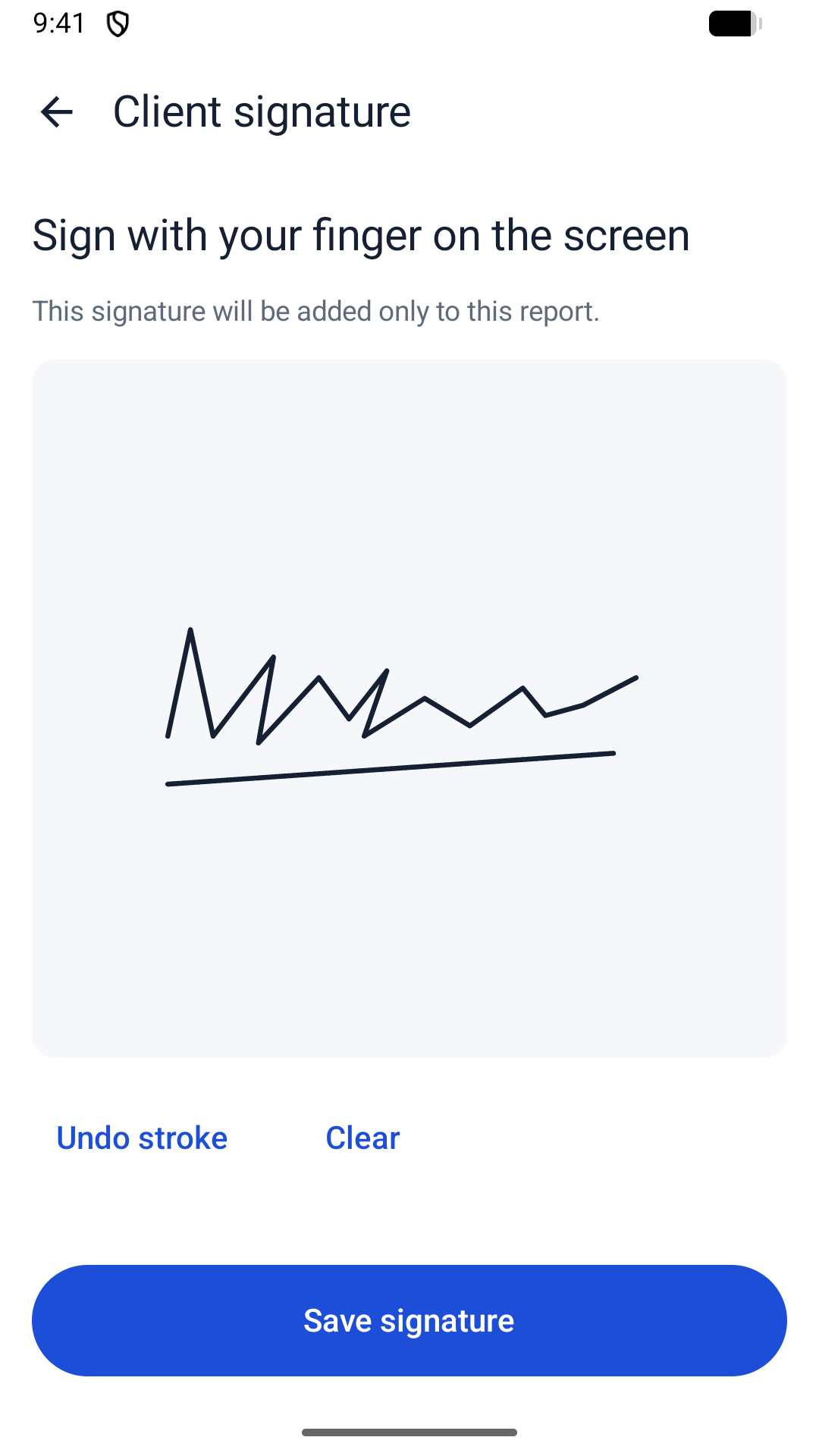
Create and edit locally. Work offline.
No Reportago account required.
Your report editing happens on your Android device. Export your PDFs and use editable backup and restore to carry your work forward. Purchases and sharing may need internet.
The app uses usage, diagnostics and purchase-management services. Report text, photos and signatures are excluded from custom analytics.
Privacy PolicyThe things worth knowing
before your first report.
Tradespeople, installers, plumbers, maintenance workers and independent field service professionals who want to give clients a clear record of completed work.
Yes. You can create and edit reports locally on your Android device, offline, without a Reportago account. Purchases and some sharing destinations may need an internet connection.
Take photos in the app, capture a series, or import from your gallery. Organize them into work sections, reorder or bulk move them, and add captions. Zoom in and add editable arrows, circles, rectangles or text while preserving the original photo.
No. A client can optionally sign on the screen, and you can reuse a saved worker signature. These are report additions, not certified digital signatures.
Reportago keeps generated PDF versions so you can return to a particular export. A generated or saved version does not confirm that a client received or read it.
The Android release is coming soon. Reportago supports eleven app interface languages. There is no published iOS app. You can open the real demonstration PDF on this website now.
From the first photo to the finished PDF.